On this page · 3 sections
If you're on someone else's Spotify Family plan, you may soon get a request to prove you live with them, and this time a typed-in address won't do. You'll need to be in the same room as the plan manager.
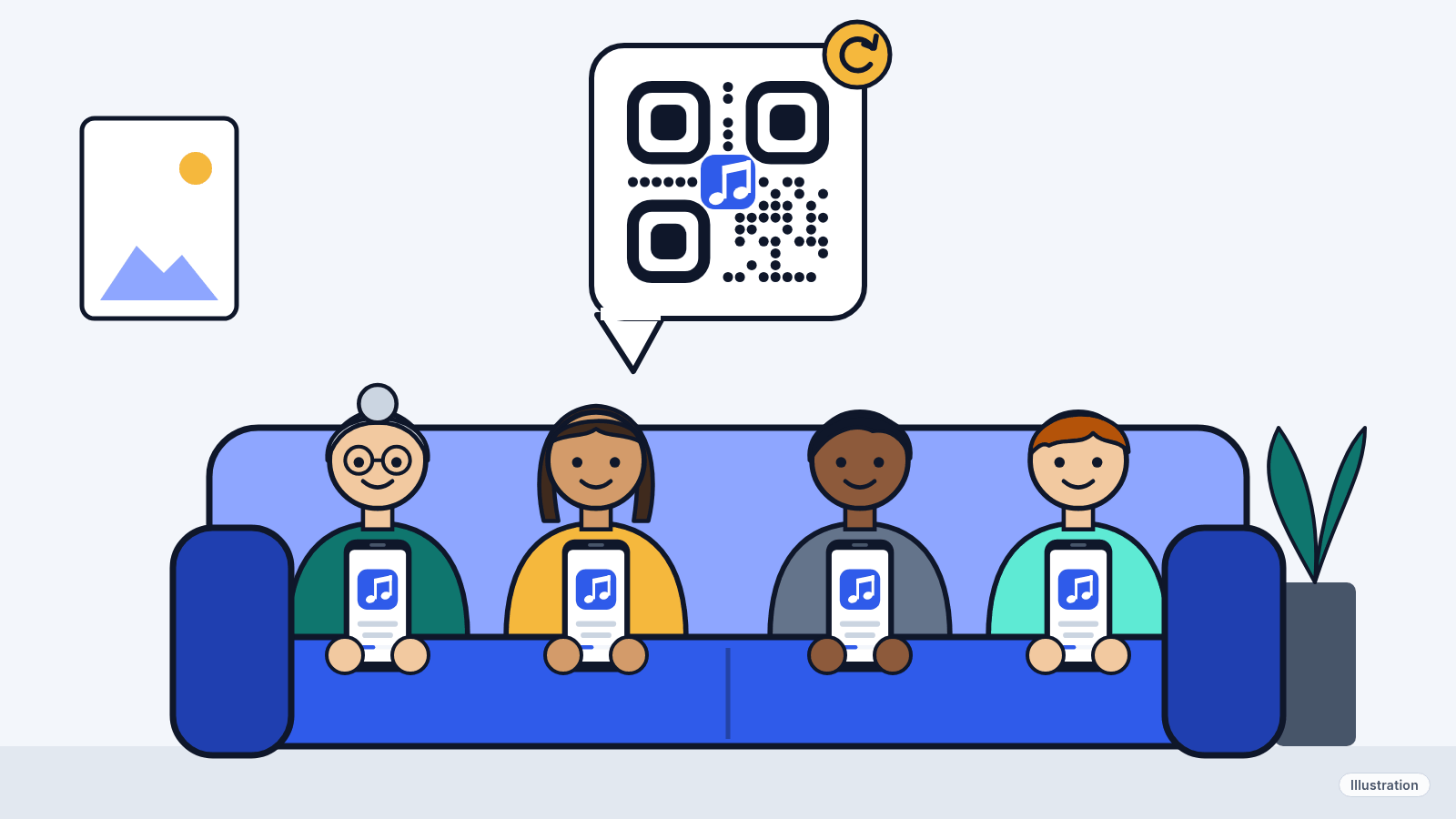
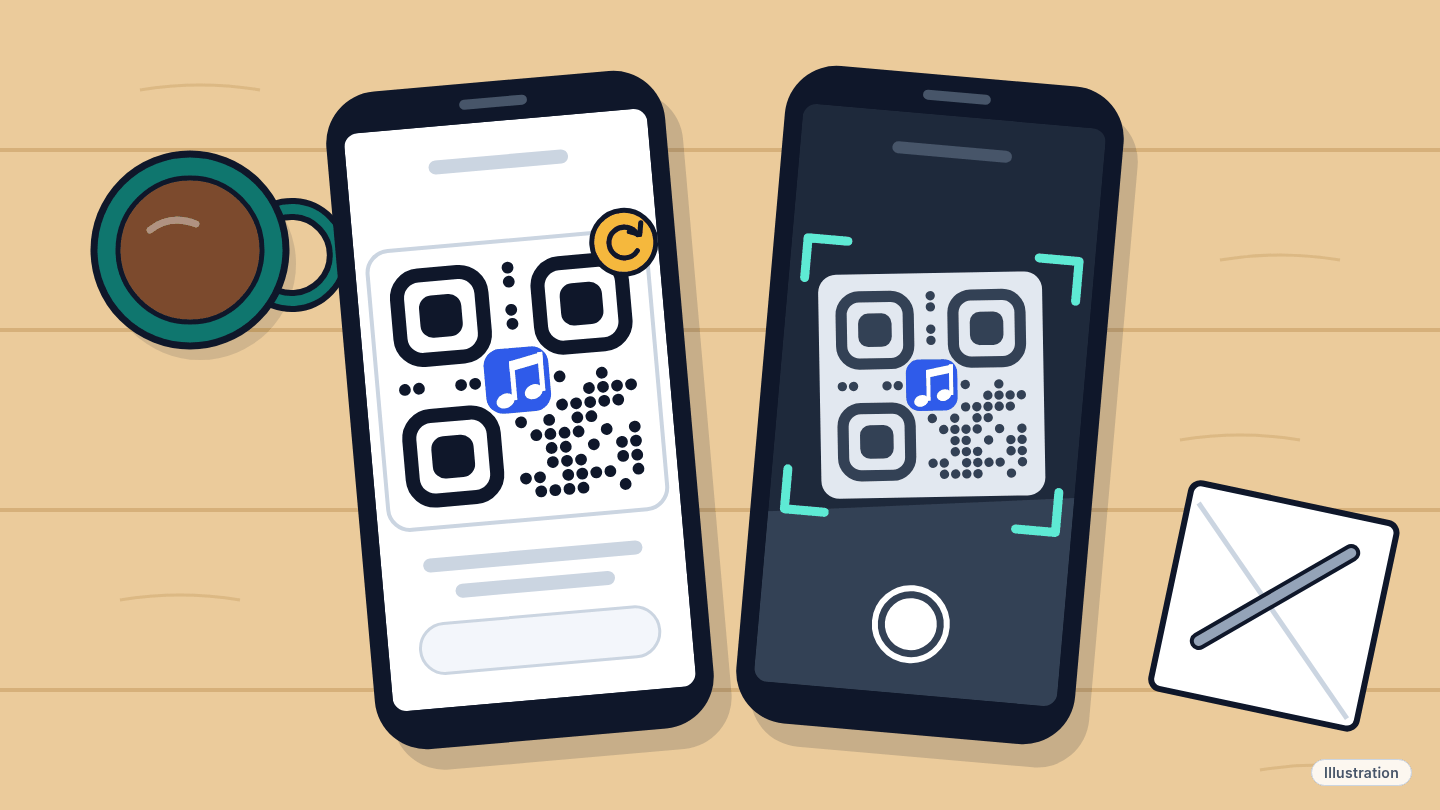
What happened: Spotify's help page now says it may ask some Premium Family members to scan a QR code shown on the plan manager's phone. The scan proves you live with the person who pays.
What this means for you: If you get the request, you have 7 days to do the scan in person. Miss it, or fail it, and you can't join a different Family or Duo plan for 12 months.
The details
Who has to do this?
Not everyone. Spotify says it "may ask some" Family members to scan. Family plans are meant for up to six people who live at the same address, according to Spotify's plans page.
Spotify already checks addresses in other ways. Its help page says members are asked for their full address when they join, when the plan manager moves, or when Spotify can't confirm where they live. The QR code is an extra step on top of that.
How the scan works
- The plan manager opens the Spotify app on their phone.
- They tap their profile picture, then Your Premium, then Manage to bring up the QR code.
- The family member points their own phone's camera at that code.
Both people must be in the same place. The scan only works in the Spotify mobile app, not on a computer, so both phones need the latest version.
Why a screenshot won't work
The code changes every few seconds. That's why Spotify says to scan it in person. A photo texted from across town will be out of date before it arrives.
Did you know? Spotify's help page says it doesn't track your location. It says it only checks your address to verify you live with the plan manager.
What happens if you don't verify
| Situation | What Spotify says happens |
|---|---|
| You scan within 7 days | Verification is complete |
| You miss the 7 days or can't verify | You can't join another Family or Duo plan for 12 months |
| You fail the address check (the typed-address one) | You move to the free version. You can rejoin the same plan, but not a different Family or Duo plan for 12 months |
You can still pay for your own plan at any time. Premium Family costs $21.99 a month (price as of ; official source (opens in a new tab)) for up to six accounts. Premium Duo is $18.99 a month (price as of ; official source (opens in a new tab)) for two people at the same address.
What to do now
- Update the app. Ask everyone on the plan to install the latest Spotify update on their phone now, before a request arrives.
- Plan manager: find the code early. Practice the steps: profile picture → Your Premium → Manage. Then you won't be hunting for it under pressure.
- Don't wait out the 7 days. If you get the notice, set up a time to be in the same room before the 7 days are up.
- If the scan fails, Spotify suggests checking that the date and time are right on both phones, then closing and reopening the app. Make sure you're scanning in person.
- Living somewhere else? Spotify's rule is that Family members live at the same address as the plan manager, and it doesn't mention exceptions. Our read: a grandparent across town isn't covered, and a student away at college may not be either, even if they can get home for a scan. If that's you, look at the Individual or Student plans on Spotify's plans page instead.
Sources
- Spotify Support: Address and verification for Family plan
- Spotify: Premium plans and prices (US)
- Spotify: Premium Family page (US)