On this page · 7 sections
Quick answer
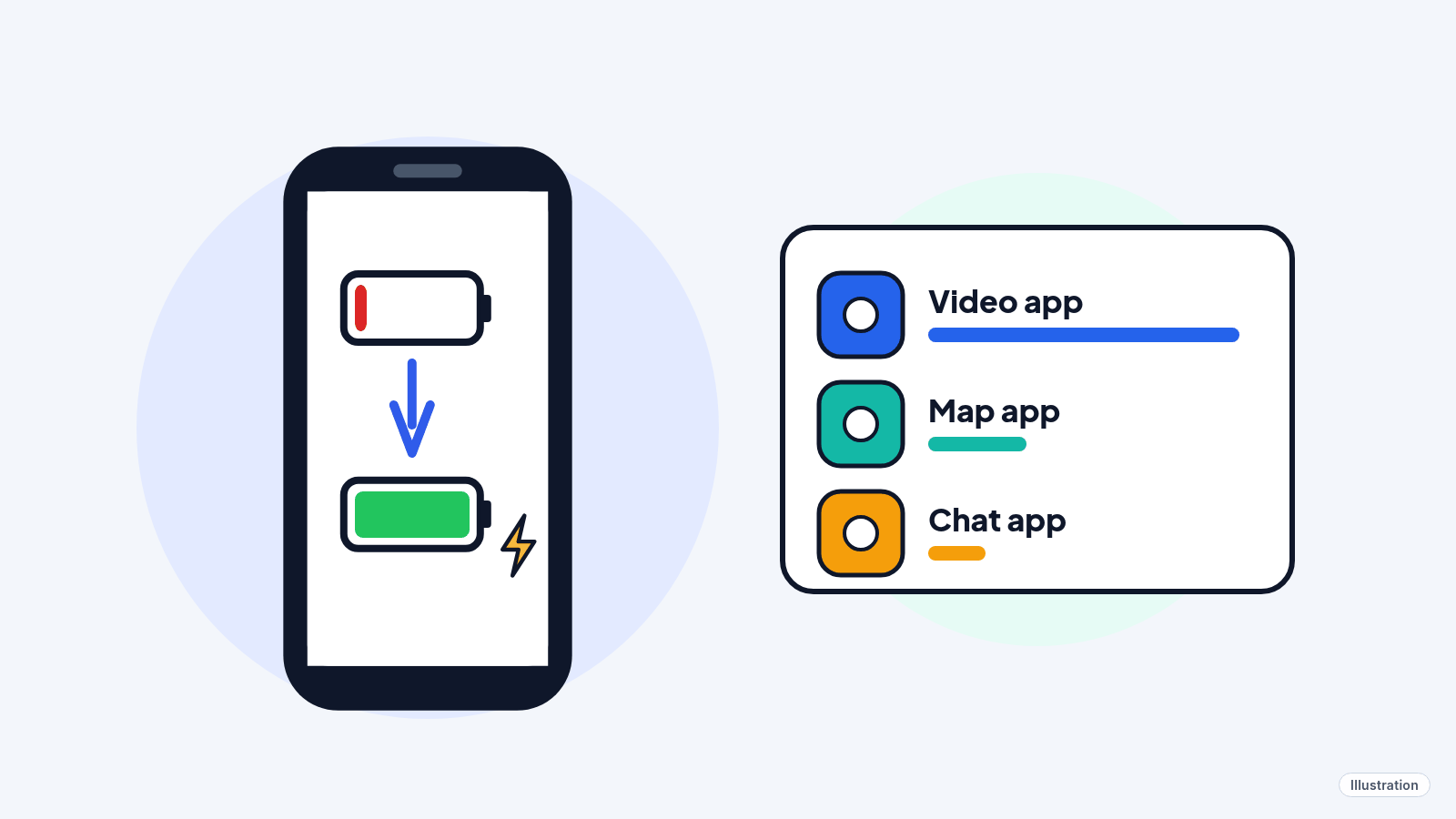
Just updated? Give it a few days. Then open Settings > Battery to see which app is eating power, turn on Low Power Mode (iPhone) or Battery Saver/Power saving (Android), dim the screen and restart the phone. If an iPhone's Battery Health says Service, Apple suggests getting the battery checked or replaced.
Read per-app usage (on screen vs. background), limit Background App Refresh and Location Services to While Using the App on iPhone, set apps to Optimized background use (or background use off) on Pixel, or Sleeping/Deep sleeping on Samsung. Turn on 5G Auto, Adaptive Battery or the Light performance profile, and use Airplane Mode in no-signal areas.
Charged it this morning, and it's begging for a charger by lunch. Before you blame the battery or buy a new phone, try these free fixes. Most take a minute or two.
Easy Mode: 6 fixes, easiest first
Takes 1 to 15 minutes. Free, and nothing is deleted unless you choose to. Stop when the battery behaves.
1. Just updated or got a new phone? Give it a few days
After a software update, phones finish setup work in the background, which uses extra battery. Apple says to wait a few days and check again. Google says a new Pixel can take a few weeks to learn your habits.
2. Find out what's using the battery
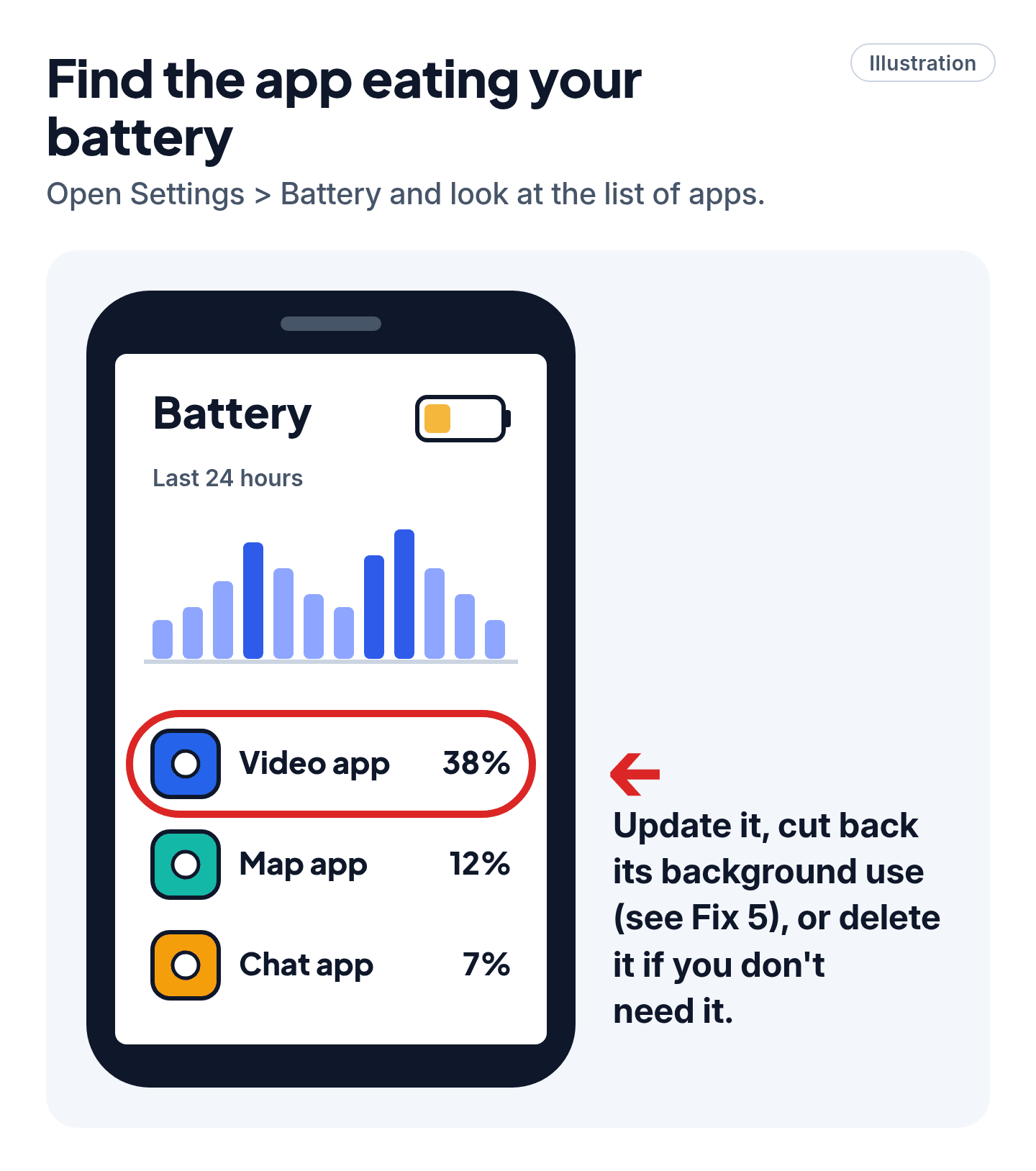
- iPhone: Settings > Battery. Look for tips at the top, then tap View All Battery Usage to see which apps used the most.
- Google Pixel: Settings > Battery > Battery usage. On Pixel 6 and later, also try Settings > Battery > Battery diagnostics > Battery draining too quickly.
- Samsung Galaxy: Settings > Battery > View details.
One app far ahead of the rest? Update it, cut back its background use (see Fix 5), or delete it if you don't need it. Our read: check this list before changing any settings, because one misbehaving app is a common culprit.
3. Turn on the power-saving mode
- iPhone 15 and later: Settings > Battery > Power Mode > Low Power Mode.
- iPhone 14 and earlier: Settings > Battery > turn on Low Power Mode.
- Google Pixel and most Android phones: Settings > Battery > Battery Saver.
- Samsung Galaxy: Settings > Battery > Power saving > turn on the switch at the top.
On iPhone, the battery icon turns yellow and Low Power Mode switches itself off once you charge above 80%. You can also turn it on from Control Center: swipe down from the top-right corner and tap the battery icon.
4. Dim the screen and let it sleep sooner
The screen is a big battery user.
- Brightness: drag the brightness slider down. Turn on automatic brightness: on iPhone, Settings > Accessibility > Display & Text Size > Auto-Brightness; on Samsung, Settings > Display > Adaptive brightness.
- Screen timeout (Samsung): Settings > Display > Screen timeout. 15 seconds saves the most; the default is 30.
- Android: a dark theme helps too, says Google.
Cheat code
No signal? Use Airplane Mode. In a basement or a dead zone, your phone burns battery hunting for a signal. Airplane Mode stops that. Calls and texts won't come through on the mobile network until you turn it off.
5. Stop apps working in the background
- iPhone: Settings > General > Background App Refresh. Turn it off for apps that don't need it, or for all of them.
- Samsung Galaxy: Settings > Battery > Background usage limits > turn on Put unused apps to sleep.
- Google Pixel: Settings > Apps > See all apps > tap the app > App battery usage > Allow background usage. Keep it on Optimized (the default), or turn it off for an app you rarely use.
6. Restart and update
- Restart: turn the phone off and on again. On Pixel 6 and later, hold Power + Volume up for a few seconds, then tap Restart.
- Update the phone: iPhone: Settings > General > Software Update. Pixel: Settings > System > Software update. Samsung: Settings > Software update > Download and install.
- Update your apps in the App Store or Play Store. Fixed apps often waste less power.
Still stuck? Follow the path
- iPhone still drains fast? → Check the battery itself. iPhone 15 and later: Settings > Battery > Battery Health. iPhone 14 and earlier: Settings > Battery > Battery Health & Charging. If it says Service, the battery has worn down; Apple or an Apple Authorized Service Provider can replace it.
- Android still drains fast? → On a Pixel, run Battery diagnostics (Fix 2). On any phone, get help through the maker's official support site or app.
- Phone gets hot? → Keep it out of the sun and hot cars. Apple warns that leaving a phone somewhere hotter than 95° F (35° C) can shorten its battery life for good. Some cases trap heat, so if it warms up on the charger, charge it bare.
Scam warning
Ignore "your battery is damaged" pop-ups and "battery booster" apps. Your phone's own Settings > Battery screen is the place to check. For a repair, book it through Apple, Google, Samsung or an authorized repair shop, starting from the official website.
Pro Mode
Pro Mode Pro Mode: read the usage data, tame apps and tune settings
Read iPhone usage like a pro. Settings > Battery > View All Battery Usage, then tap a day. Each app shows why it used power, such as background activity, a weak or missing signal, or notifications. High background activity: limit that app's Background App Refresh. Weak or missing signal: you were on a weak signal (use Wi-Fi, which uses less power than cellular, or Airplane Mode).
Location. iPhone: Settings > Privacy & Security > Location Services > pick an app > While Using the App or Never. Android: Settings > Location > App location permissions, then pick the app.
Noisy notifications. Apps that light up your screen all day cost power. Turn off notifications for the worst offenders in Settings > Notifications.
5G Auto (iPhone 12 and later). Settings > Cellular > Cellular Data Options > Voice & Data > 5G Auto. It uses 5G only when it's worth the battery.
Adaptive Power (iOS 26 and later, on newer models). It can turn on Low Power Mode at 20% on busy days. Apple lists iPhone 15 Pro and later, including iPhone 18 and iPhone Duo.
Pixel extras. Make sure Adaptive Battery is on: Settings > Battery > Battery Saver > Adaptive Battery > Use Adaptive Battery. To stop a runaway app right now: Settings > Apps > See all apps > the app > Force stop > OK. Don't force stop system apps; Google says the phone may not work correctly.
Samsung extras. Settings > Battery > Background usage limits > Deep sleeping apps stops chosen apps from ever running in the background. Settings > Device care > Performance profile > Light trades some speed for battery (not used for games). Battery protection (Settings > Battery) protects the battery's lifespan, not today's charge: Adaptive stops at 80% until shortly before you wake up.
Low Power Mode, unpacked (iPhone). It cuts background activity like Mail fetch and Background App Refresh, pauses iCloud Photos and automatic downloads, sets Auto-Lock to 30 seconds and tones down some visual effects.
Charging from a computer? Make sure it's on and awake. Apple says a sleeping or switched-off computer can drain a connected phone.
Last resort. A factory reset can clear a stubborn software problem, but it erases the phone. Back up first.
You've got this
Most fast drains come down to one hungry app, a bright screen or a weak signal. All three are free to fix. If the battery itself is worn out, an iPhone's Settings will tell you.
Sources
The 10 pages we checked
- Apple Support: If the battery in your iPhone or iPad drains too quickly
- Apple Support: Use Low Power Mode to save battery life on your iPhone or iPad
- Apple Support: Understand your iPhone battery usage and health
- Apple: Maximizing battery life and lifespan
- Apple Support: Turn Location Services and GPS on or off on your iPhone
- Google Pixel Phone Help: Fix battery drain problem
- Google Pixel Phone Help: Keep Adaptive Battery & battery optimization on
- Android Help: Get the most life from your Android device's battery
- Android Help: Manage location permissions for apps
- Samsung Support: Get the most out of your Galaxy phone or tablet battery
More free guides are on the way.